Quick Start
Get TTS working on your site in five steps. This guide covers the shortest path; see Installation and Configuration for the full details.
1. Install dependencies
# macOS
brew install ffmpeg espeak-ng

# Ubuntu/Debian
sudo apt-get install ffmpeg espeak-ng
You also need Rust/Cargo: rustup.rs.
2. Install and build
composer require drupal/local_tts
cd web/modules/contrib/local_tts
composer run build-binary
3. Enable the module
drush en local_tts -y
4. Configure eSpeak
Visit /admin/config/media/local-tts and set the eSpeak NG data
path:
- macOS:
/opt/homebrew/Cellar/espeak-ng/[version]/share/espeak-ng-data - Linux:
/usr/share/espeak-ng-data
5. Place the player
The fastest option is the block:
- Go to Structure > Block layout
- Click Place block in the Content region
- Find Local Text-to-Speech and click Place block
- Save
Visit any published node. You should see a TTS player. Click play to generate and hear the audio.
Verify it works
drush local-tts:test "Hello World"
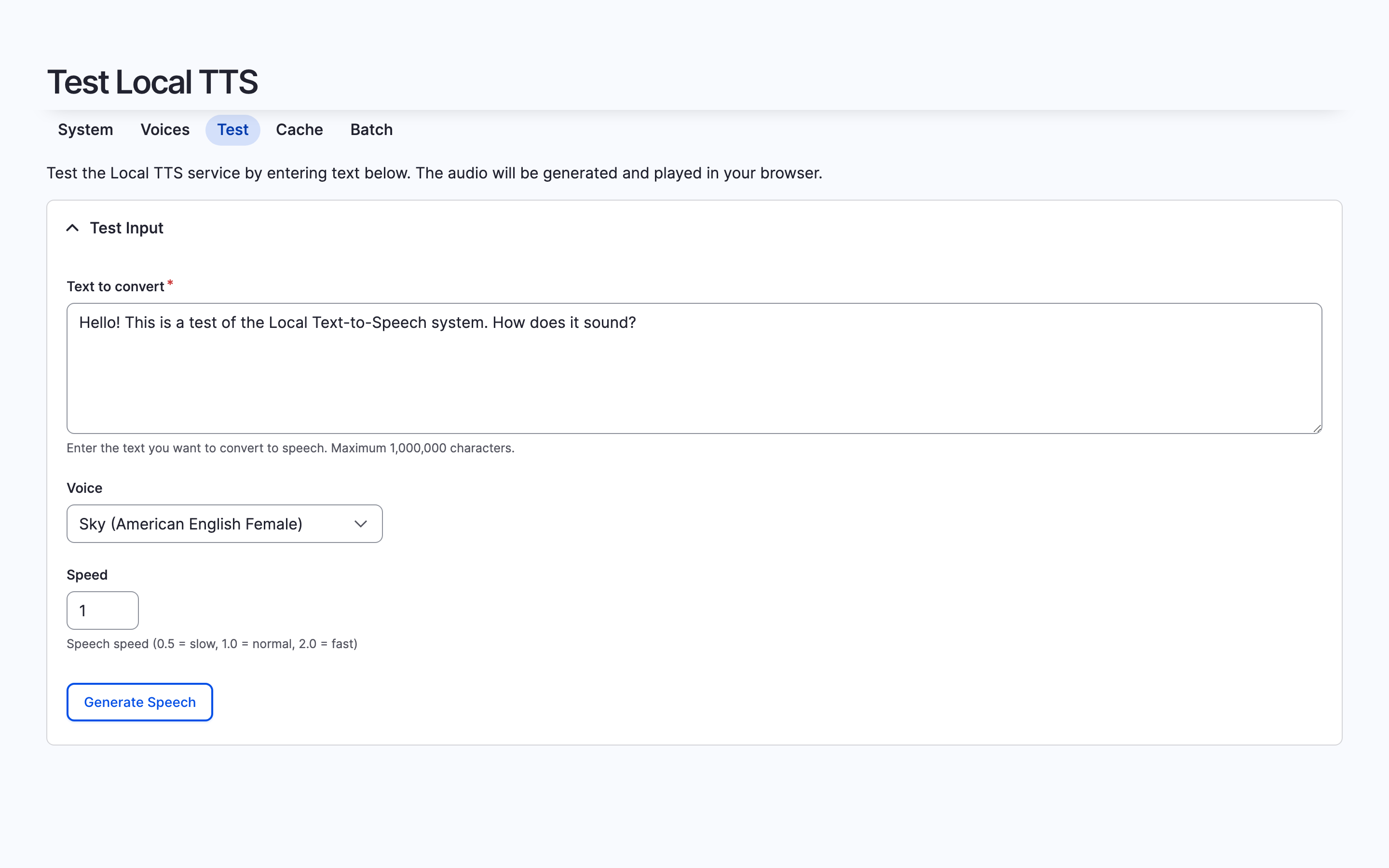
If you hear audio, the installation is working. If not, expand the
System health panel at /admin/config/media/local-tts to check
which component is missing.
Next steps
- Choose a voice for your site
- Configure settings (speed, caching, security)
- Compare integration methods to pick the best fit for your site