Keeping Audio Current
Every generated audio file is stored on disk and tracked in a database table. The cache key is an MD5 hash of the text content, voice ID, speed, and language code, so any change to these inputs produces a new file.
Browsing the cache
Visit Configuration > Media > Local TTS > Cache
(/admin/config/media/local-tts/cache) to see all cached audio files.
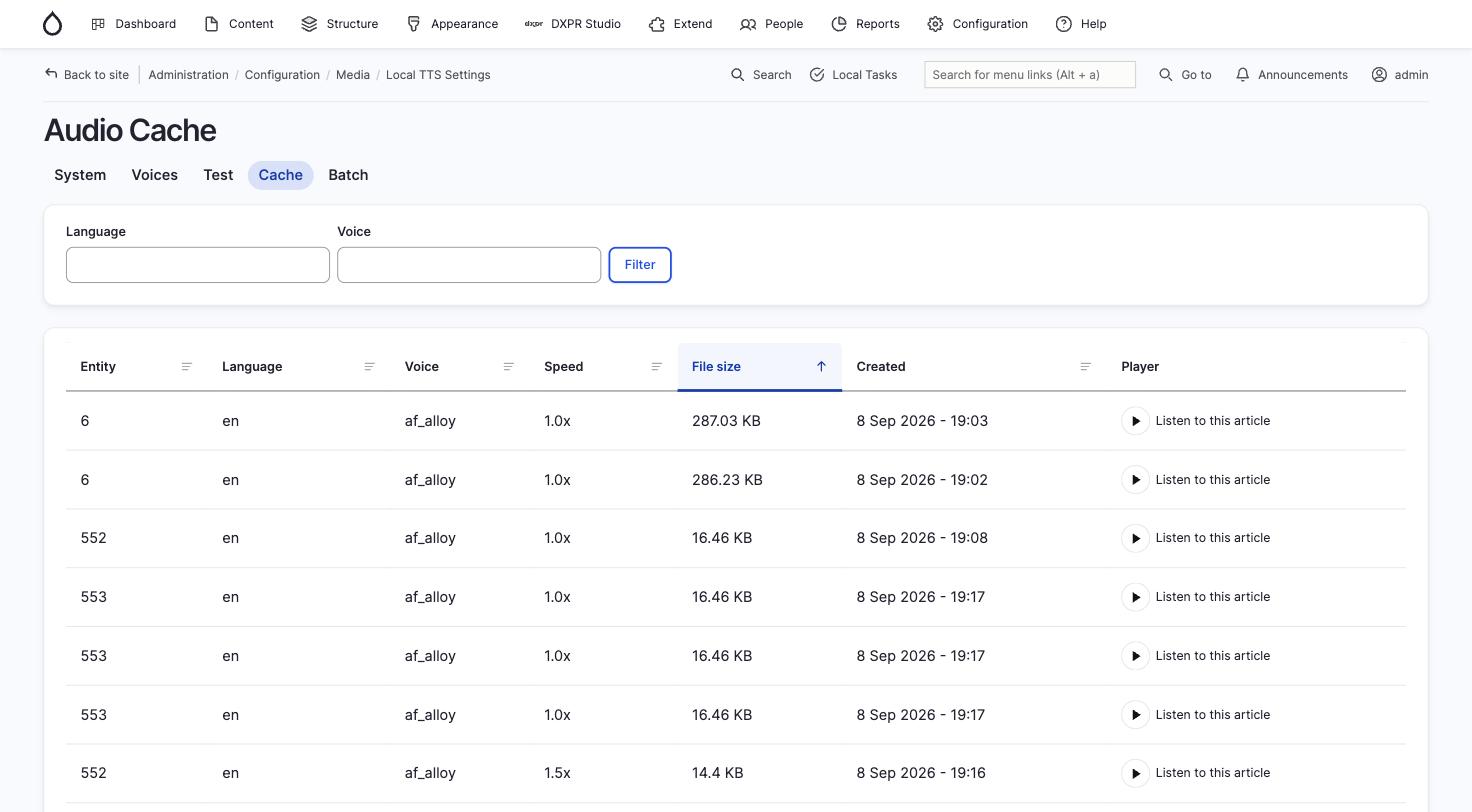
The table shows:
| Column | Description |
|---|---|
| Entity | The source entity ID |
| Language | Language code of the audio |
| Voice | Kokoro voice used |
| Speed | Playback speed multiplier |
| File size | Size of the OGG file on disk |
| Created | When the audio was generated |
| Player | Inline player to listen directly |
Use the Language and Voice filters to narrow the list. Click column headers to sort.
How invalidation works
Audio is automatically invalidated when:
- Content is edited: the module compares text fields between the current and previous entity versions. If text changed or the entity's public visibility changed, the old audio is deleted and (if auto-generate is enabled) a new generation job is queued.
- A translation is deleted: audio for that specific translation is removed.
- An entity is deleted: all audio for that entity is removed.
Automatic cleanup
Three cleanup mechanisms run during cron:
- Stale metadata: removes database records for entities that no longer exist
- Size-based eviction: when the cache exceeds the configured maximum size, least recently accessed files are deleted first
- Orphan file cleanup: audio files on disk with no matching database record are deleted (runs at most every 6 hours, processes up to 500 files per run, with a 1-hour grace period for in-progress generation)
Manual cache management
# Clear all cached audio files and database records
drush local-tts:cache-clear