Block Integration
Place a TTS player site-wide using Drupal's block system. The block auto-detects the current page's entity, so it works on any content page without extra configuration.
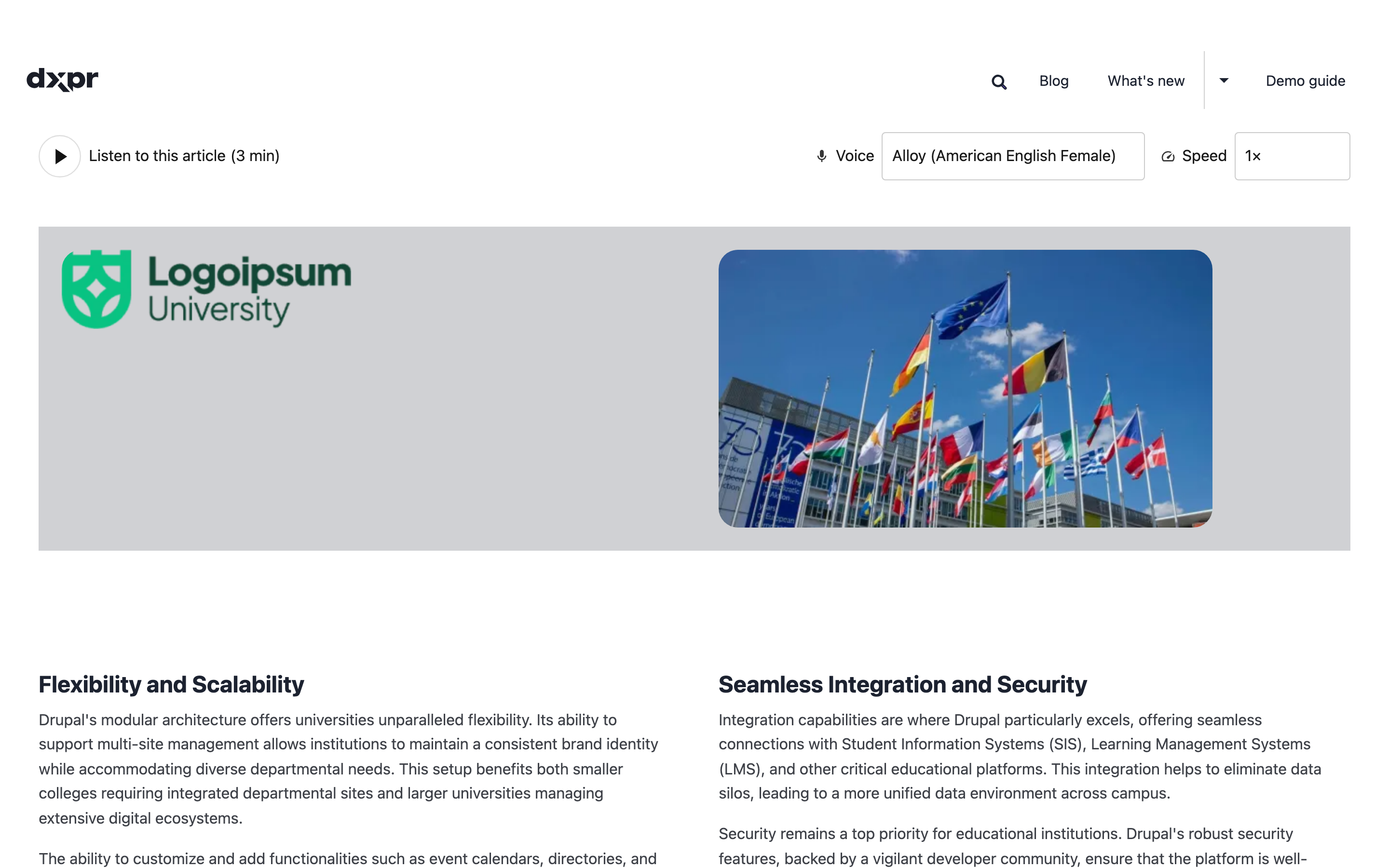
Add the block
- Go to Structure > Block layout
(
/admin/structure/block) - Find the region where you want the player (e.g. Content) and click Place block
- Search for Local Text-to-Speech and click Place block
- Optionally restrict visibility by content type, role, or page
- Click Save block
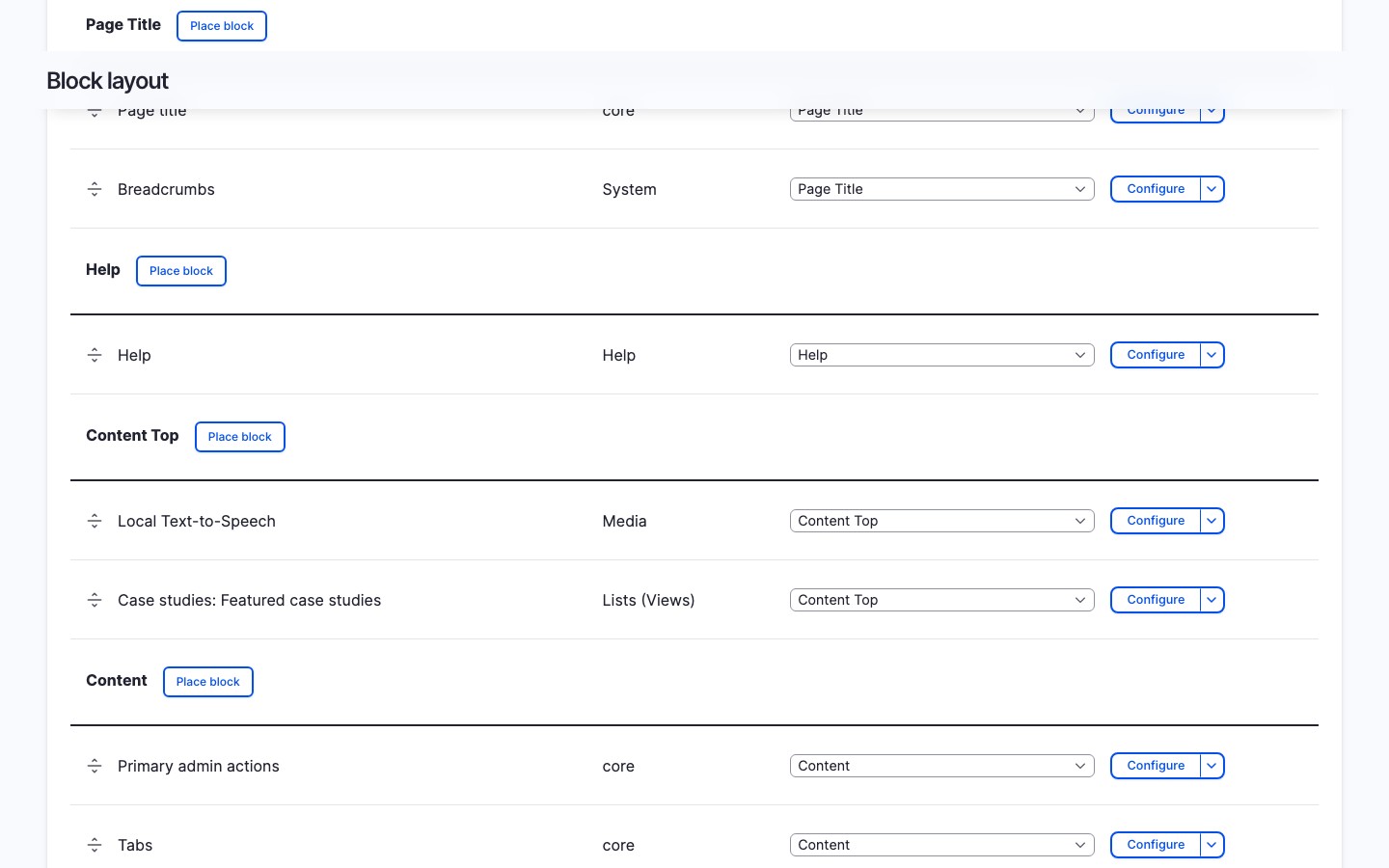
Configure the block
The block settings include:
- Title: defaults to hidden; set a visible title if you want one
- Title display: show or hide the block title
- Visibility settings: standard Drupal block visibility (pages, content types, roles)
Voice, speed, and volume settings come from the site-wide defaults on the Voices tab.
See it in action
How it works
The block plugin (LocalTtsBlock) calls the shared TtsPlayerBuilder
service to render the player. On each page load, it detects the
current route's entity (node, taxonomy term, or any fieldable entity)
and passes it to the player. If no entity is found on the current
route, the block is hidden.
When to use this method
- You want every content page on the site to have a player
- You do not need different voice/speed settings per content type
- You want the simplest setup with minimal configuration
Limitations
- Voice and speed settings are site-wide, not per content type
- The block only detects entities on their canonical route (e.g.
/node/123); it does not render on custom controller routes unless the route has an entity parameter - For per-bundle control, use the entity field or extra field instead